PDF Batch Resume · 0.1.1
A PDF batch that can keep going.
Compress a folder one document at a time. Get separate output copies, a report of problem files, and a verified way to resume.
Download free source · 1.9 MB ZIPPython command-line tool · MIT source · Python 3.10+ required
This page provides the download; compression runs on your computer.
Illustrative terminal output
[1/3] compressed: scan-001.pdf
[2/3] error: broken.pdf
[3/3] compressed: scan-003.pdf
2 complete · 1 needs review
Originals untouched. Report saved.
Start with a few representative copies
Install, then run.
Unzip the download. Open a terminal in its folder. Install Python from python.org if needed.
py -m venv .venv
.venv\Scripts\python -m pip install -r requirements.txt
.venv\Scripts\python pdfbatch.py "C:\Documents\Original PDFs" "C:\Documents\Compressed PDFs"
Dependency installation uses PyPI. PDF processing has no network operations. Engine checks passed on macOS, Windows Server 2022 and Ubuntu 24.04. A Windows 10/11 desktop installation and your actual documents still need checking.
Default compression is lossy. Eligible images use JPEG quality 85 and a 2000-pixel maximum edge. Inspect the results before processing the whole folder. Add --lossless to avoid image re-encoding; savings may be small or zero.
Continue the same batch by adding --resume to the command. The output includes timestamped CSV/JSON reports. A candidate that is no smaller is replaced with an exact copy of its original.
What we actually checked.
800 synthetic filesCompleted in 89 seconds; hash-verified resume in 7.3 seconds. One image-heavy chart plus 799 small text PDFs, mostly repeated copies. This checks the queue, not 800 customer documents.
12 integration testsReal PDF processing, corrupt files, timeouts and retry, resume, output conflicts, source hashes, protected files, paths, locking, CSV safety and page geometry. Includes a Windows Unicode-filename regression.
Windows/Linux run and logs; reproducible tests are in the download.
Version 0.1.1 fixes a Windows console error that stopped progress on filenames with Cyrillic or emoji. Such names are escaped only when the terminal cannot display them; the actual filenames and reports keep their original text.
No customer PDFs, sales or production installations are claimed. The tool wraps pypdf and Pillow; it does not introduce a new compression algorithm.
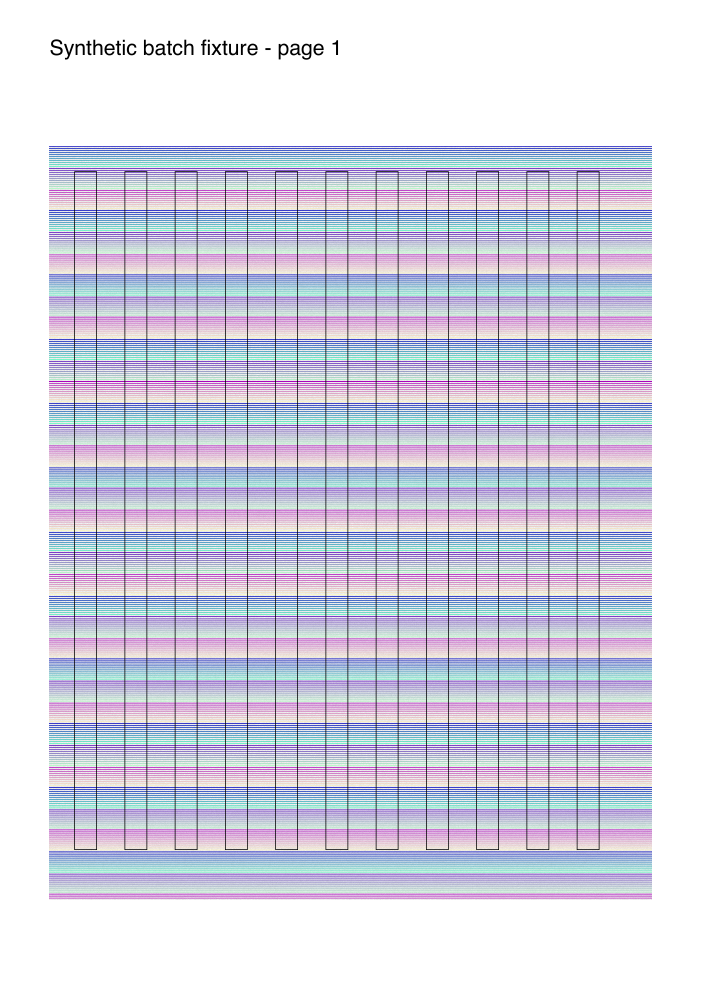
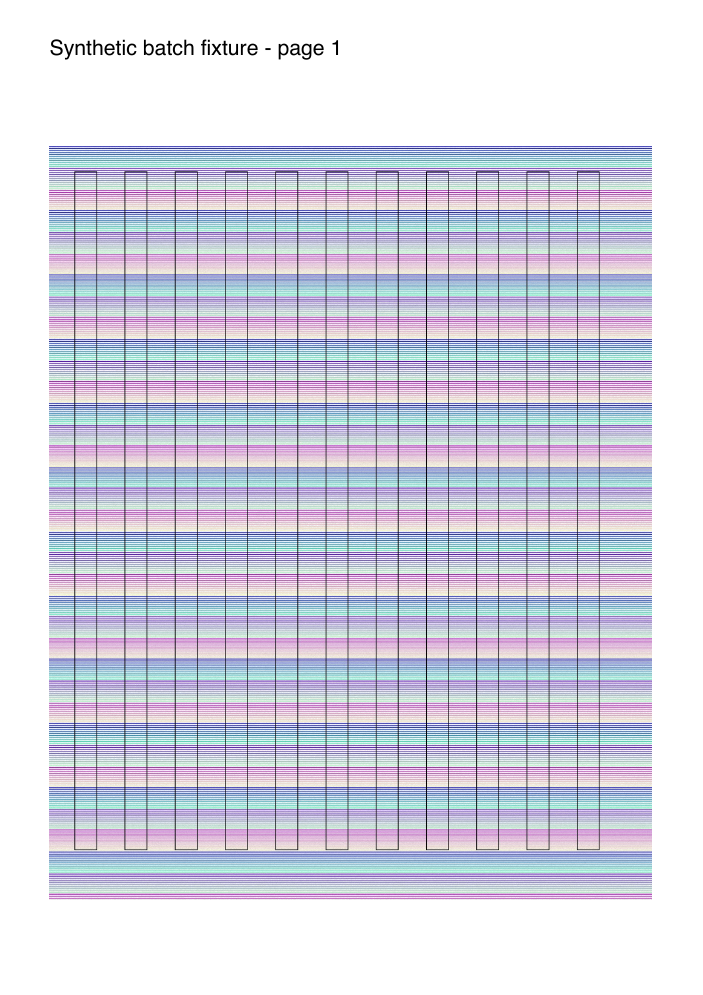
Before and after: synthetic chart
5,485,463 bytes before; 1,146,987 after. This example includes synthetic background noise; it does not predict savings or fine scanned-text quality on your documents.
Before
After
Know what belongs in this queue.
Ordinary image documents
Encrypted PDFs, forms, signatures, annotations (including links), actions and embedded files are skipped for separate handling. Transparent, indexed, bilevel, inline and CMYK images may remain unchanged with a warning.
Document checks and interruption limits
Page count, boxes, rotation and extracted text are checked before an output is published. Inspect visible quality yourself. Independent review also found a renderer-dependent title display discrepancy on one synthetic chart (Poppler versus PDFium); see QA.md in the download. This is not PDF/A, accessibility, signed-document or malware-sandbox certification. A hard OS shutdown can leave an untracked partial output; resume reports the conflict rather than overwriting it.
Free source, dependencies and license
The original wrapper and tests are MIT licensed. The download contains their source, usage instructions, tests and QA notes. pypdf, Pillow and the optional test dependency ReportLab keep their own licenses and are installed separately. No hidden service, subscription or account is required.